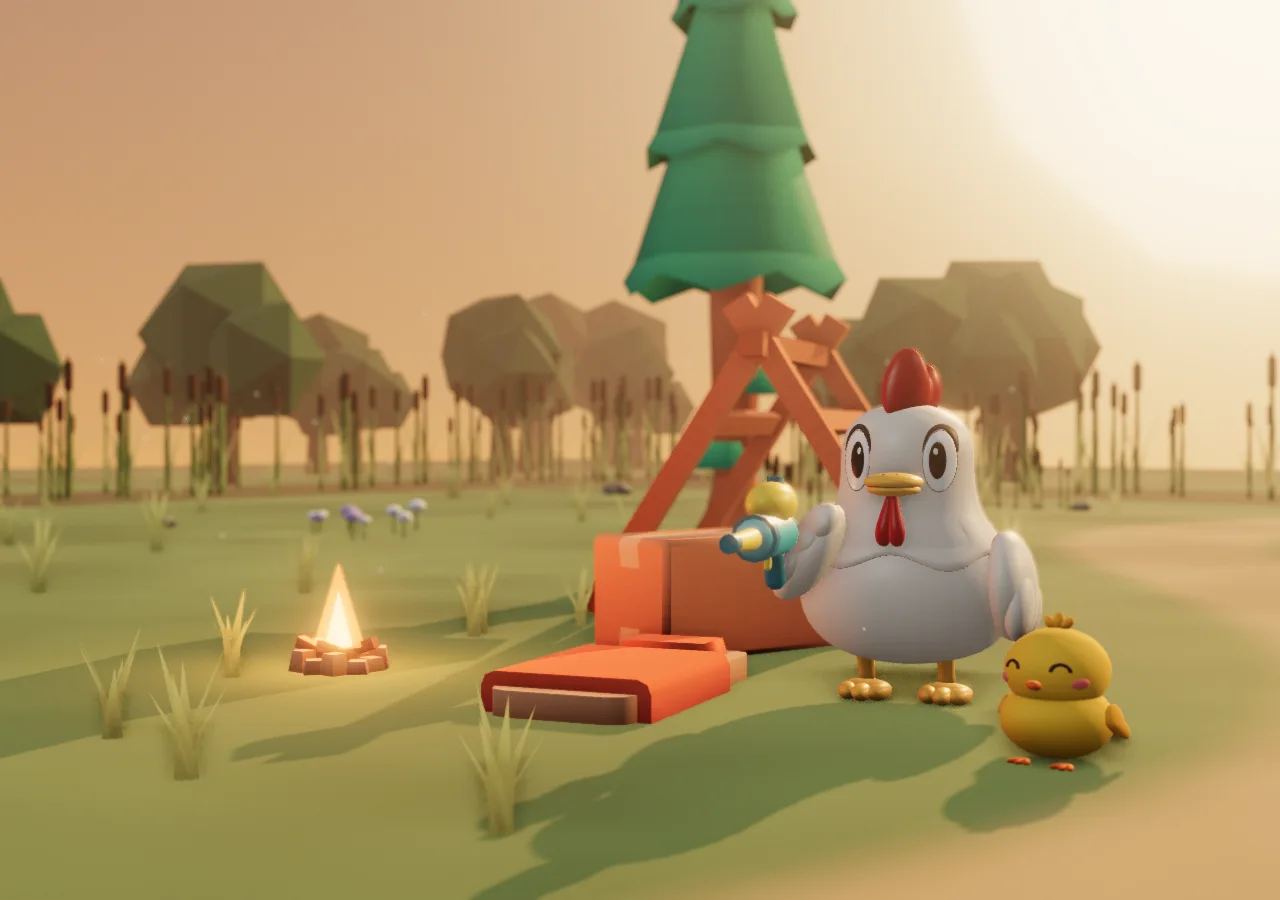
Wrath of Cluck One water-blaster chicken. Far too many hamsters.
A free 3D survival game in your browser. No install. Start as a guest, or sign in to continue on another device.
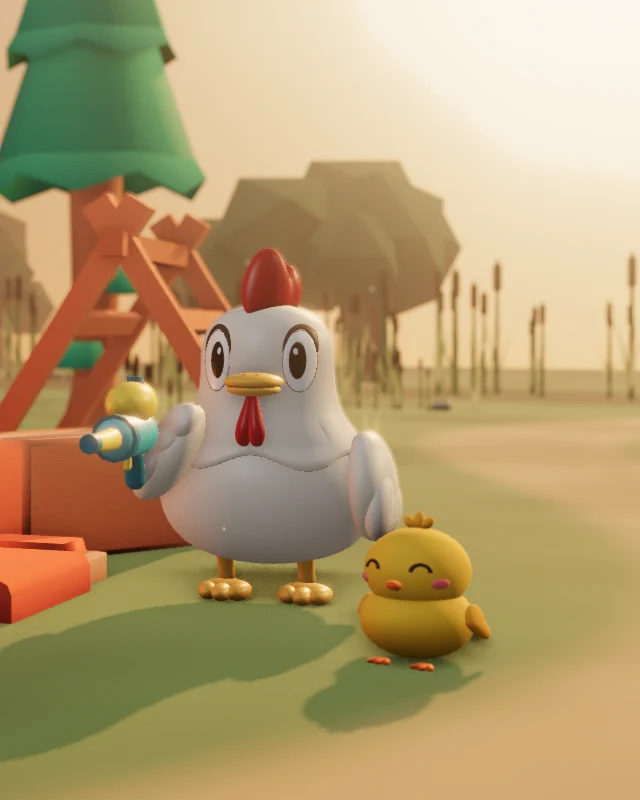


How a run plays out
Real gameplay footage from an earlier version, in order. The current starter weapon is a rounded water blaster.

0:10 · The swarm arrives

Real gameplay Level up · pick one of three cards

Real gameplay 0:25 · The swarm keeps growing

Real gameplay 1:30 · Mid-boss
Beat the mid-boss and the final boss arrives 1 minute 30 seconds later. Beat the final boss to clear the stage!
What is Wrath of Cluck?
Wrath of Cluck is a free survivors-like action game that runs in any modern browser. You play a chicken armed with toy weapons, holding out while hamster swarms close in. Your weapons fire on their own, so you focus on moving, dodging, flying and dashing. Collect green gems to level up, then pick one of three cards to add a weapon or make one stronger. Max out a weapon, pick up its partner skill, and it evolves. Beat the final boss to clear a stage, unlock the next one and earn credits for the campfire shop, all the way to the Hamster King.
How to play
Pick a stage
Choose an unlocked stage at the camp and head out.
Move and survive
Your weapons fire automatically. You steer, fly and dash.
Level up
Grab green gems, then pick one of three cards.
Beat the boss
A mid-boss arrives at 1:30. Defeat the final boss to clear the stage.
Controls
| Action | Keyboard | Touch |
|---|---|---|
| Move | WASD or arrow keys | Drag on the screen |
| Dash | Shift or double-tap an arrow | Dash button |
| Fly | Hold Space | Hold the fly button |
| Pause | Esc | Pause button |
Six areas, thirty stages
Five stages per area, from the reed meadow to the Hamster King's chamber.
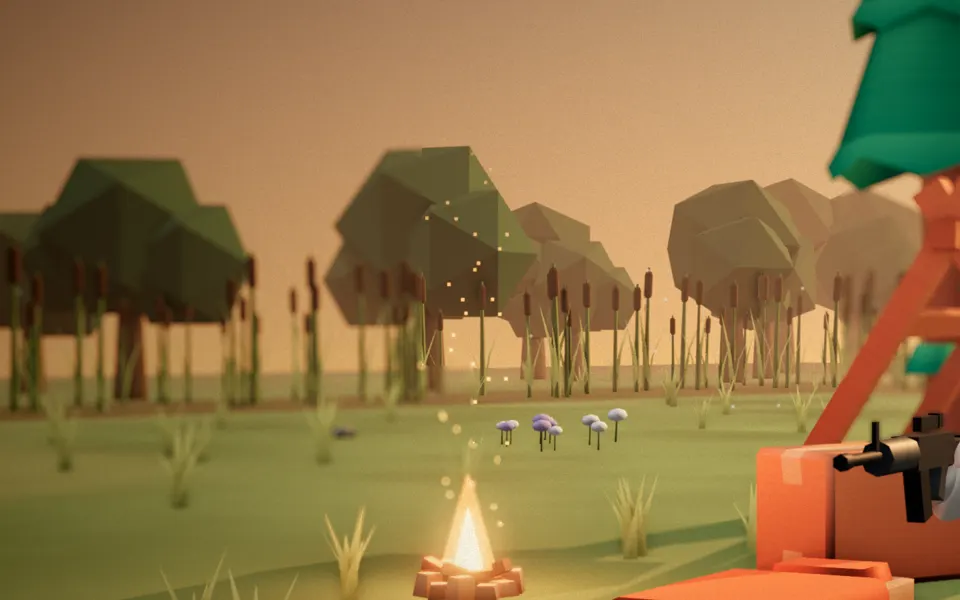
Reed Meadow Stages 1–5

Sunset Stream Stages 6–10
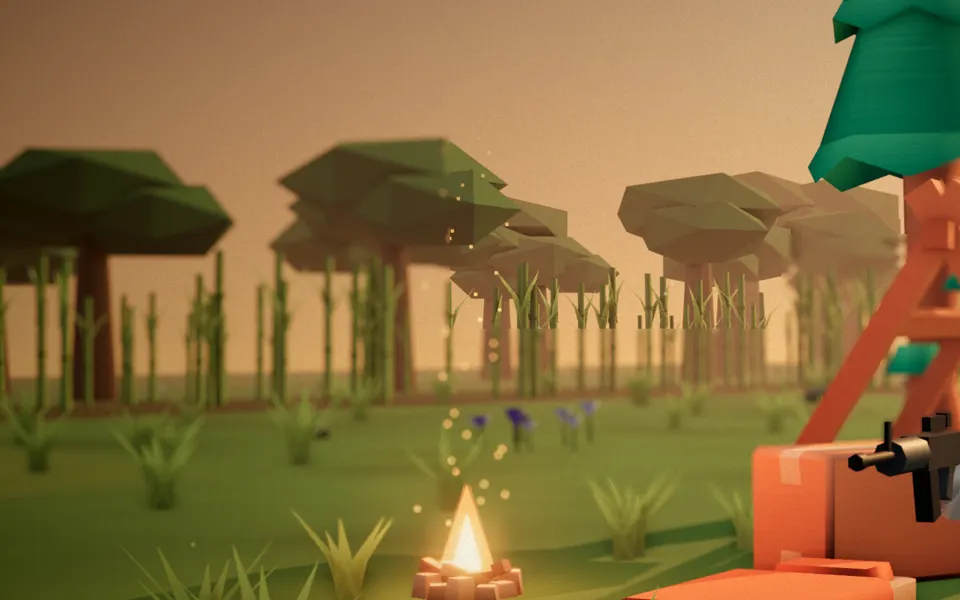
Green Jungle Stages 11–15
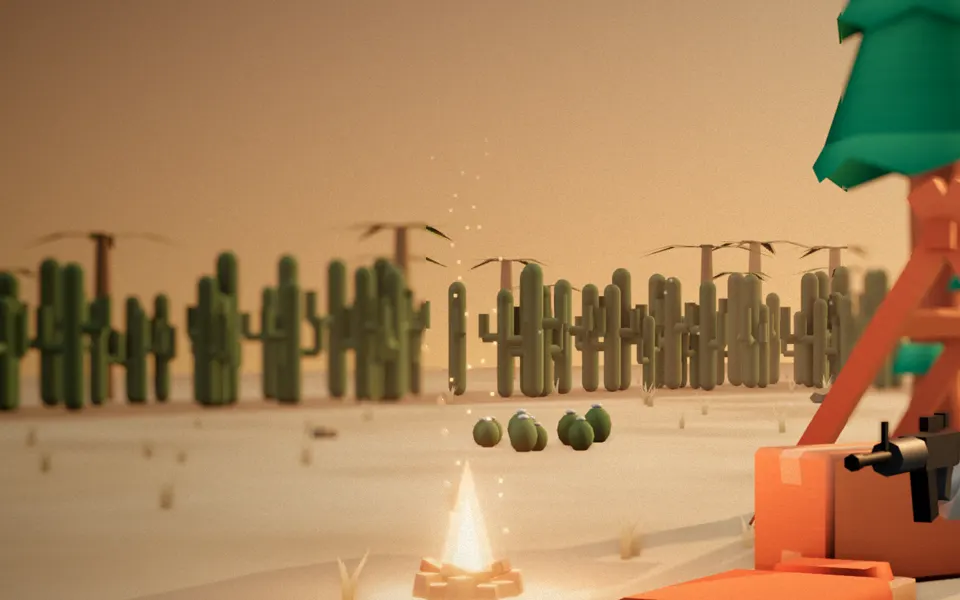
Sand Desert Stages 16–20

Polar Snowfield Stages 21–25
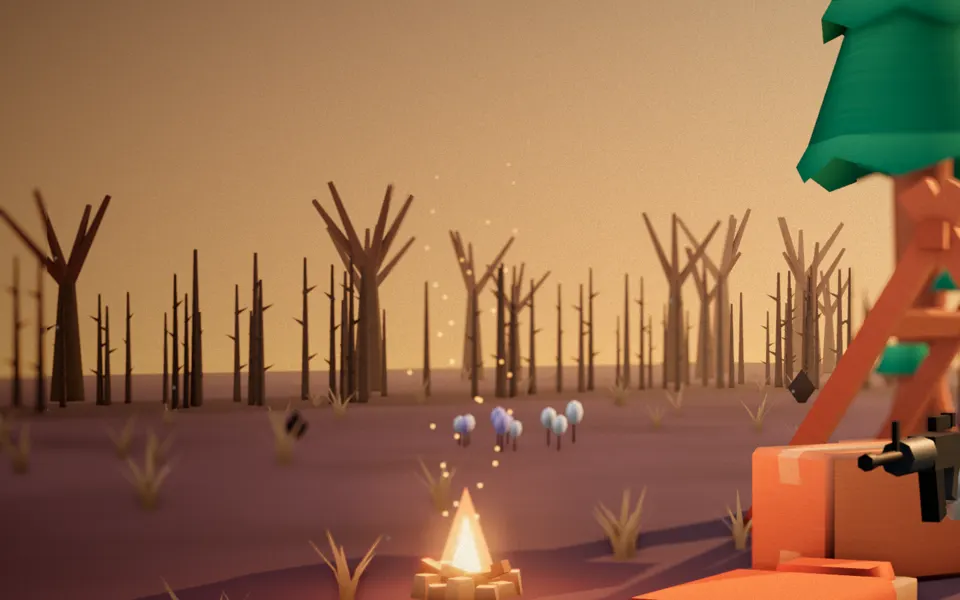
Hamster Inferno Stages 26–30
Original soundtrack
Listen to three bluegrass-style instrumentals with art from the game.
Frequently asked questions
Is Wrath of Cluck free?
Yes. The whole game is free to play in your browser. When you fall, you can choose to watch an ad to revive.
Do I need to download anything?
No. It runs in any modern browser with WebGL. You can also add it to your home screen like an app.
Can I play on my phone?
Yes. Drag on the screen to move, and use the on-screen buttons to fly, dash and pause. On a computer, use the keyboard.
Is my progress saved?
Yes. Online levels, credits and unlocked stages are saved to a guest server profile even before sign-in. Sign in to continue with that account on another device. Items and currency earned in offline practice are not saved. Clearing site data can remove access to a guest save; it does not delete the server records.
How long is one stage?
A few minutes. A mid-boss arrives at 1:30, the final boss follows, and beating it clears the stage.
Which languages are supported?
Eighteen: Korean, English, Japanese, Chinese, Hindi, French, Spanish, Bengali, Portuguese, Brazilian Portuguese, Indonesian, Italian, Vietnamese, Thai, Malay, Russian, German and Turkish.
Add it to your home screen and jump back in next time
Open it like an app from your home screen. Online progress is saved on the server; sign in to continue on another device. Adding a shortcut does not guarantee offline play.
How to add it yourself
- iPhone and iPad Safari: Share button → Add to Home Screen
- Android Chrome: menu (⋮) → Add to Home screen or Install app
More guides